A visual overview
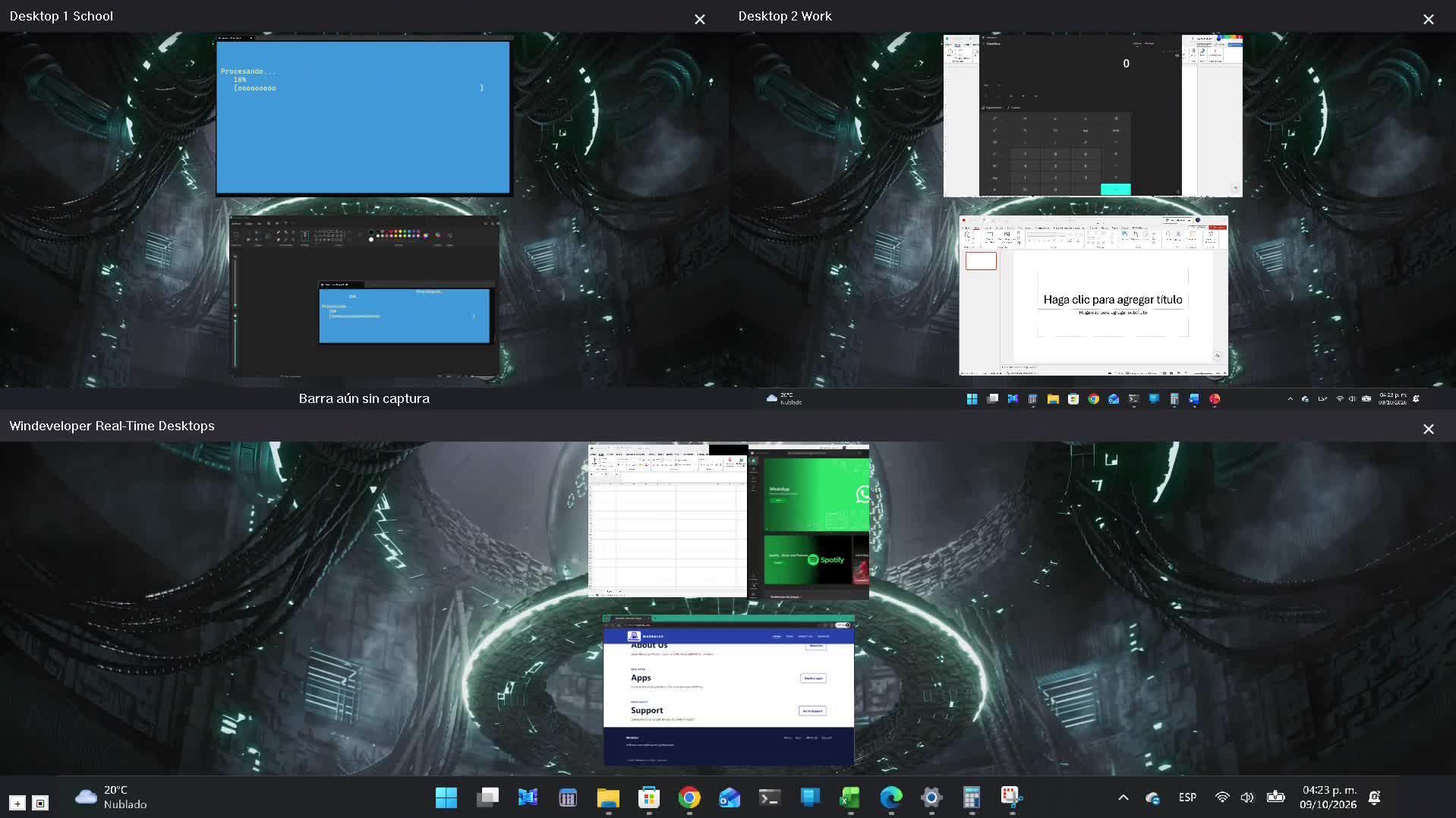
Recognize your workspaces by their windows and click a desktop card to switch.
Manage your virtual desktops
Add new virtual desktops, rename them to match your tasks and remove those you no longer need, directly from the overview.
A live view on any monitor
Work with a single monitor, or choose any connected display with the monitor selector. In a multi-monitor setup, keep the live overview visible on a dedicated screen while you work on another.
Your shortcut, your settings
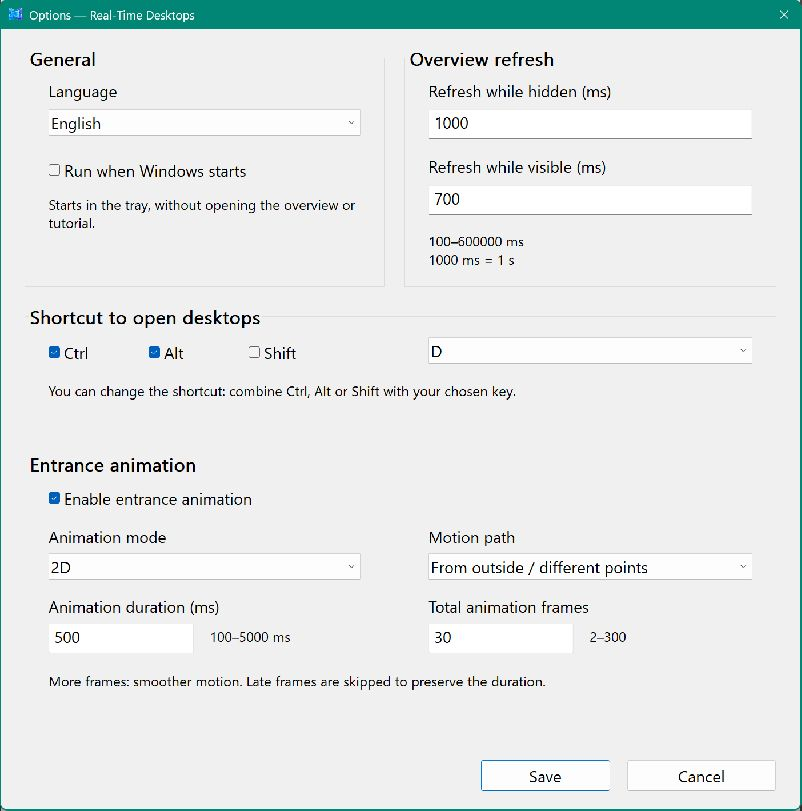
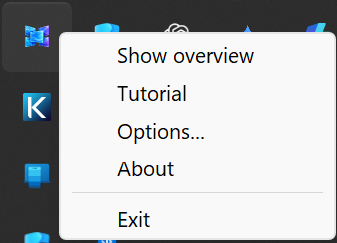
Open the overview with the default Ctrl + Alt + D shortcut or the system tray icon. Choose a different shortcut and separate visible and hidden refresh intervals.
Customizable motion
Choose 2D or 3D entrance animations, outside, spiral or flight paths. Adjust duration and frame count to suit your workflow.
A guide in your language
Learn with a visual tutorial and hands-on exercises. The app supports English, Spanish, French, German, Italian and Portuguese.
Requirements: Windows 11 x64 with virtual desktops and desktop composition enabled.
Local previews: Desktop and taskbar captures stay in memory and are not sent by the app to a server. Minimized or protected windows may limit previews. Taskbar captures refresh when you visit a desktop and do not continuously reflect changes on unvisited desktops.
Getting started: Open the app, follow the welcome guide, then press Ctrl + Alt + D to show the overview. Closing the overview keeps the app in the system tray; select Exit to close it completely.